Sales pipeline and sales tasks for small business
See every deal by stage, with weighted totals in each currency. Leads arrive from your sales mailbox and go to the right person, and every follow-up has a due date and a place on one Sales > Tasks page.
A pipeline you can see
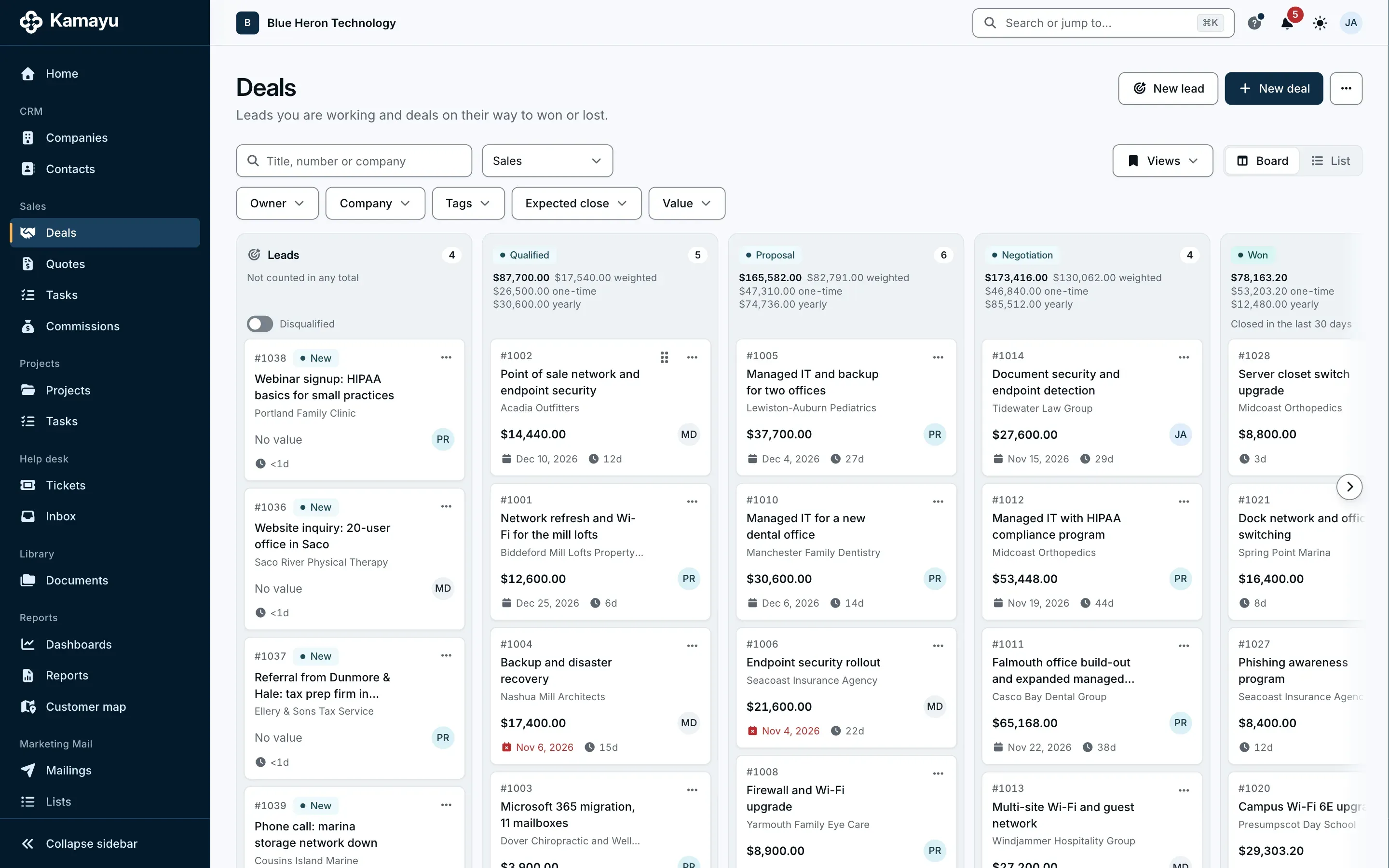
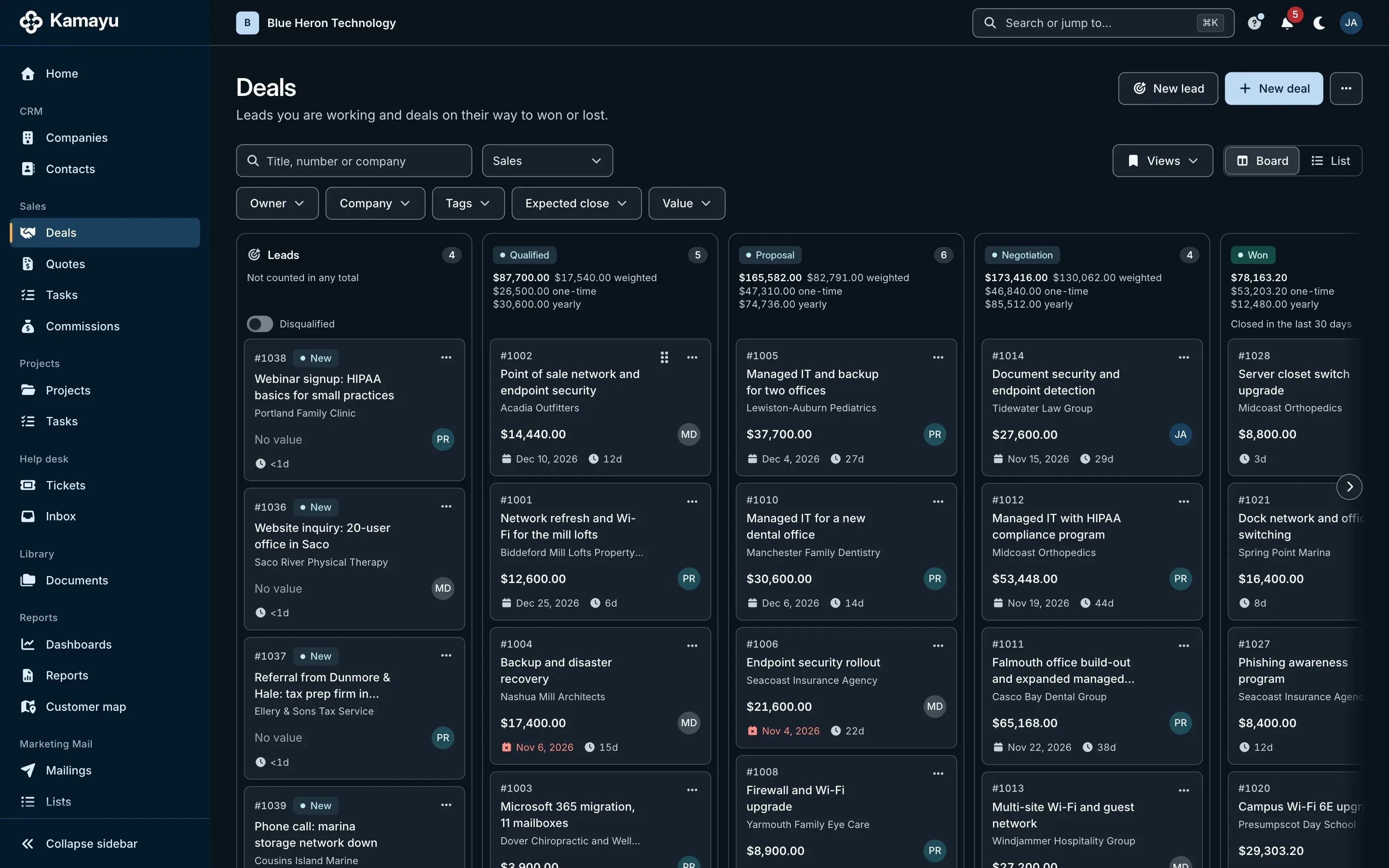
Deals on a board or a list, by stage, with the count, total and weighted value of each column. Save the views you use, for yourself or your team.
- Several pipelines, each with its own stages and chance of winning
- Totals in each currency, never converted
- Lost deals carry a reason, from one list
- Stale deals show up on Home and the dashboards
Leads that arrive by themselves
Mail to your sales mailbox becomes a lead, matched to the contact or company you already know. Assignment rules hand it to the right person by sender domain or territory, or in turns across a team.
- Leads with name, email, job title, phone, company and website
- New, Working, Qualified or Disqualified
- Convert a lead into a deal in one step, with the company and contact created or linked
- A disqualified lead can be reopened
Follow-ups that don't slip
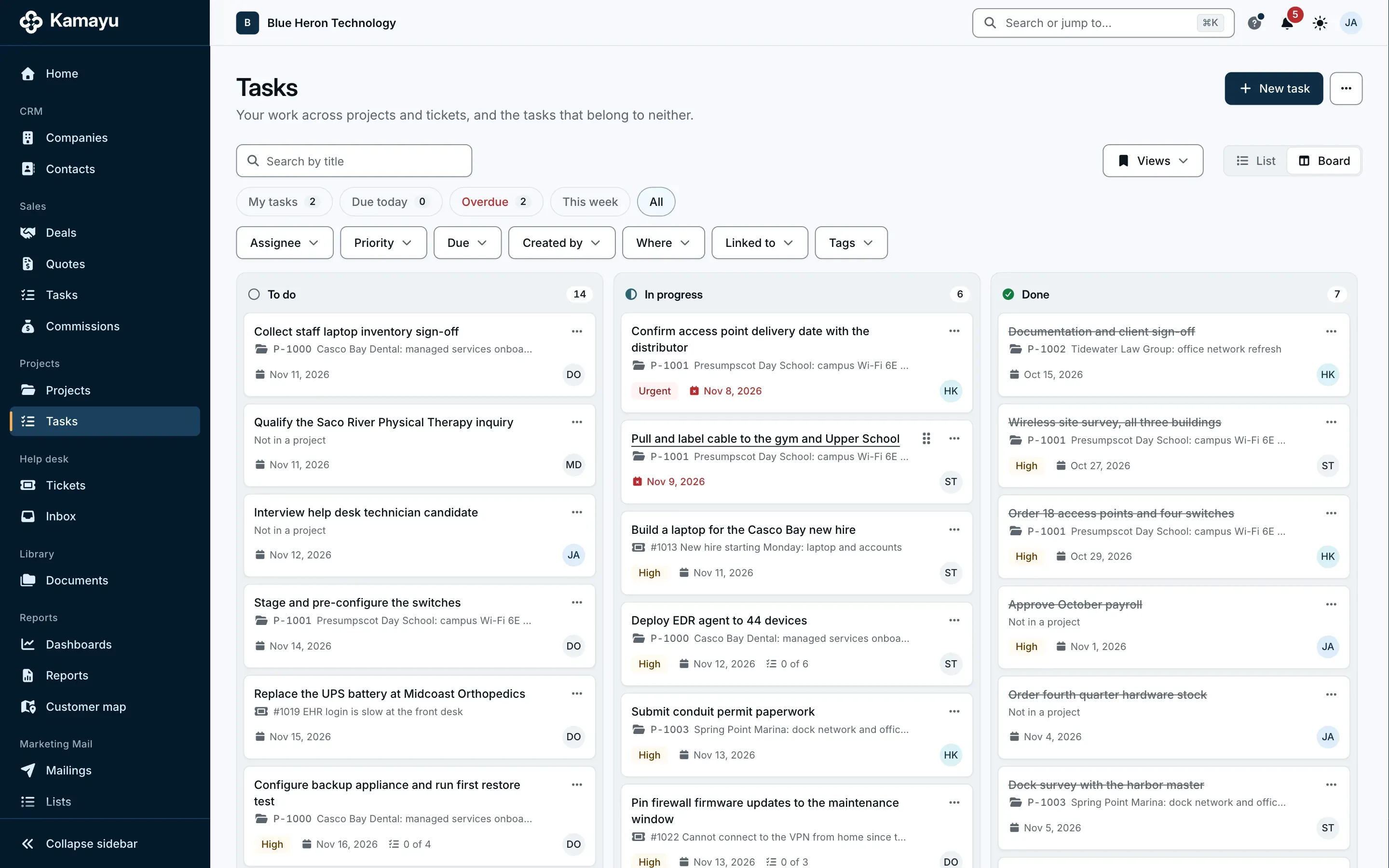
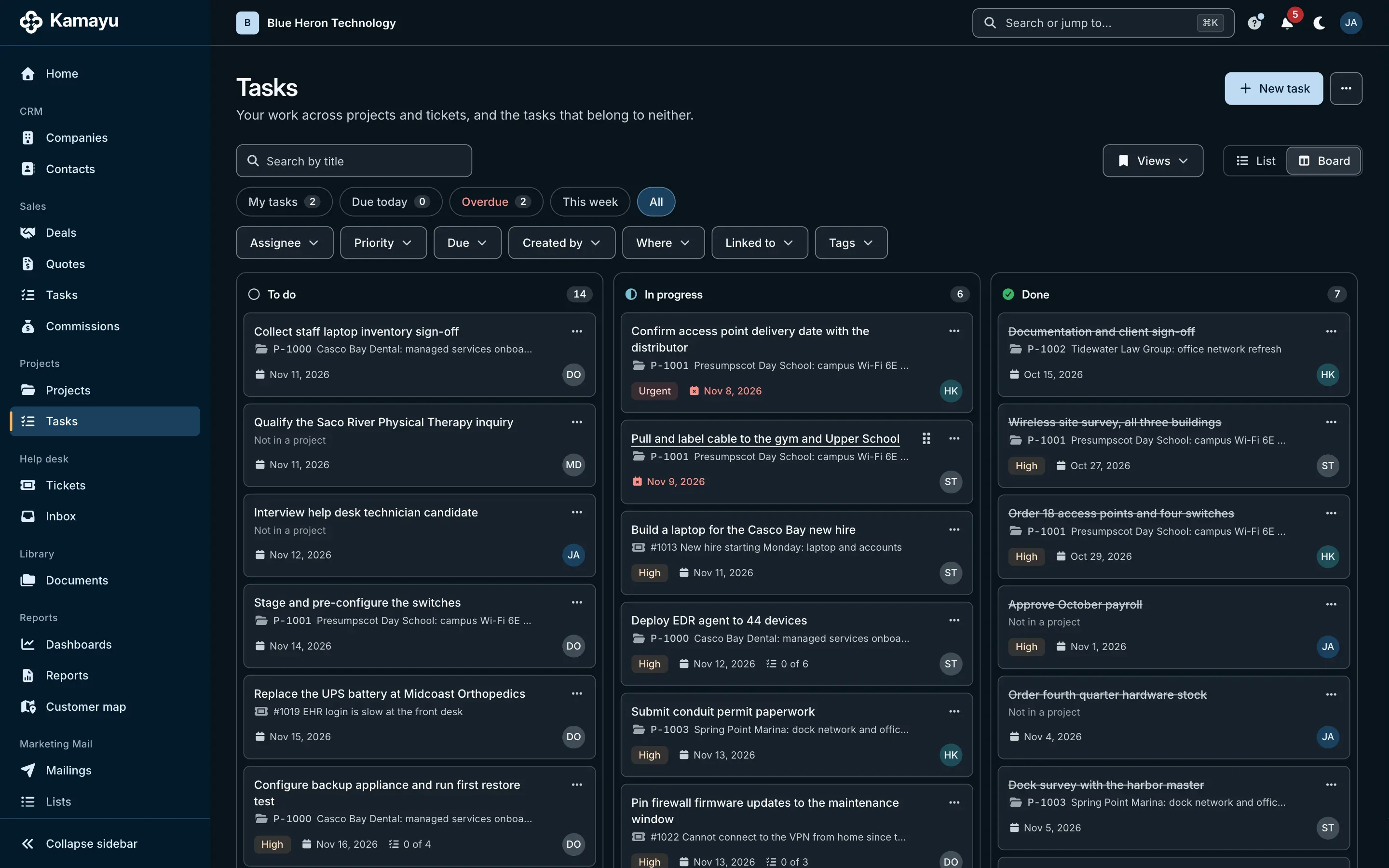
Sales tasks sit on a company, contact or deal and always have a due date. Work them from the record or from Sales > Tasks, as a list or a board.
- Filters, saved views and checklists
- A reminder in Kamayu's notifications
- Your open deals and tasks on Home
Questions
Can I have more than one pipeline?
Yes. An admin can set up several pipelines, each with its own stages and the chance of winning at each stage. Every pipeline has a won and a lost stage.
How are leads assigned?
Leads from your sales mailbox follow assignment rules: by the sender's domain, by territory (a country or state from the company's address), or for every email. Each rule assigns to one person or takes turns across a team, and anything unmatched goes to the mailbox's default owner.
Does Kamayu convert currencies?
No. Totals are shown for each currency, and a quote stays in its deal's currency.
Do task reminders come by email?
No. Reminders appear in Kamayu's notifications, so your inbox stays for customers.
More of Kamayu
Spend less time keeping records, and more time on customers.
Try every module free for 15 days. Cancel any time before the first charge.