A CRM for Outlook and Microsoft 365
Kamayu connects to your real Microsoft 365 mailbox and sends as you. Every email is in Outlook where you'd look for it, and on the customer's record in Kamayu, without forwarding or copy and paste.
Your mailbox, not ours
Most CRMs send through their own servers, so the mail never shows up in Outlook. Kamayu sends from your own address through Microsoft 365, so every message lands in your Sent Items and replies thread like any other email.
- Send as yourself, or as a shared mailbox like sales@ or support@
- New mail shows up in Kamayu within about a minute
- Schedule an email to go out later
- Kamayu doesn't delete your mail, with two exceptions: copies of the sign-in, invitation and password reset links it sends are removed from Sent Items so nobody can reuse them, and the help desk's optional Mail cleanup moves emails that became tickets to Deleted Items
Filed to the right customer, by itself
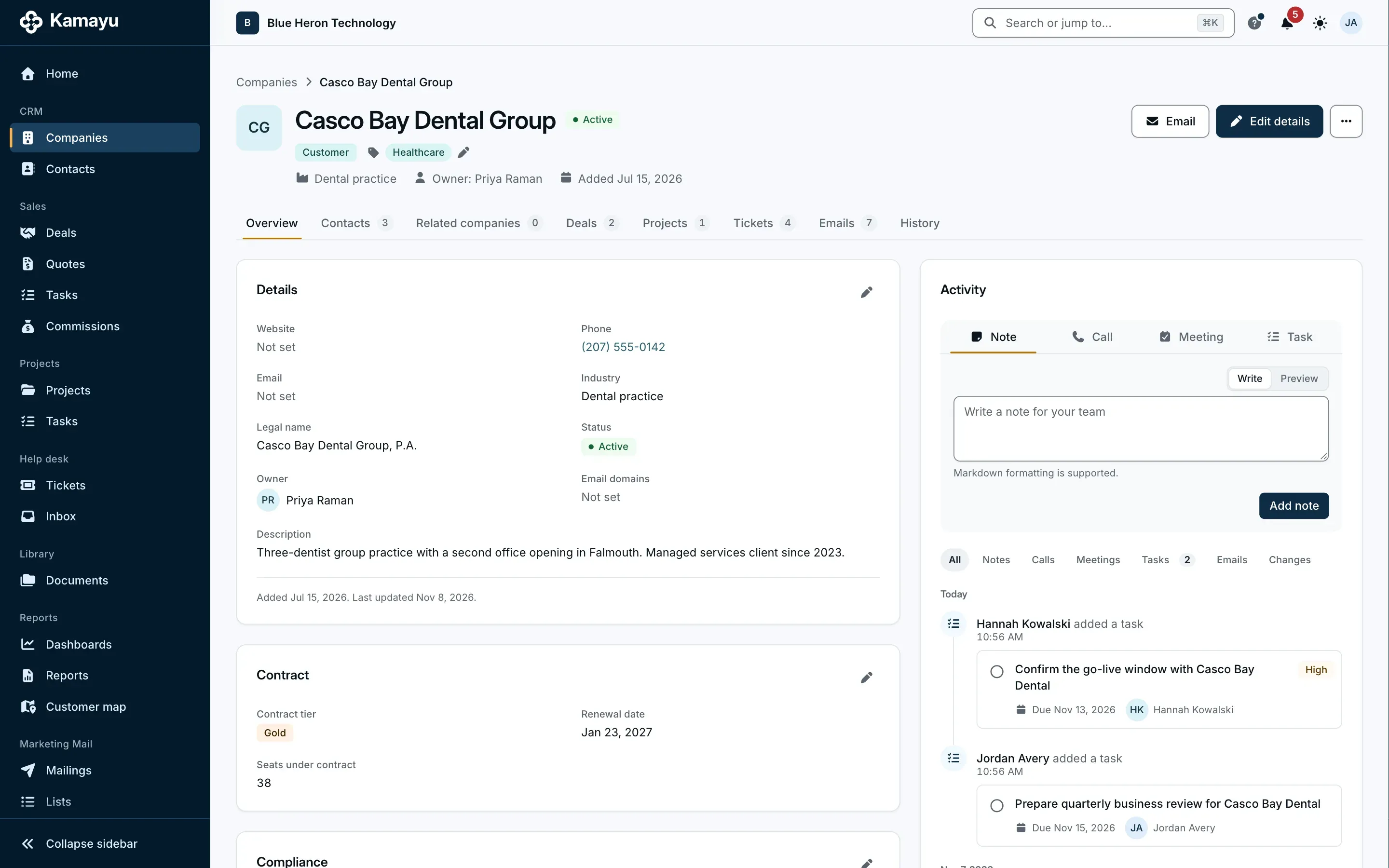
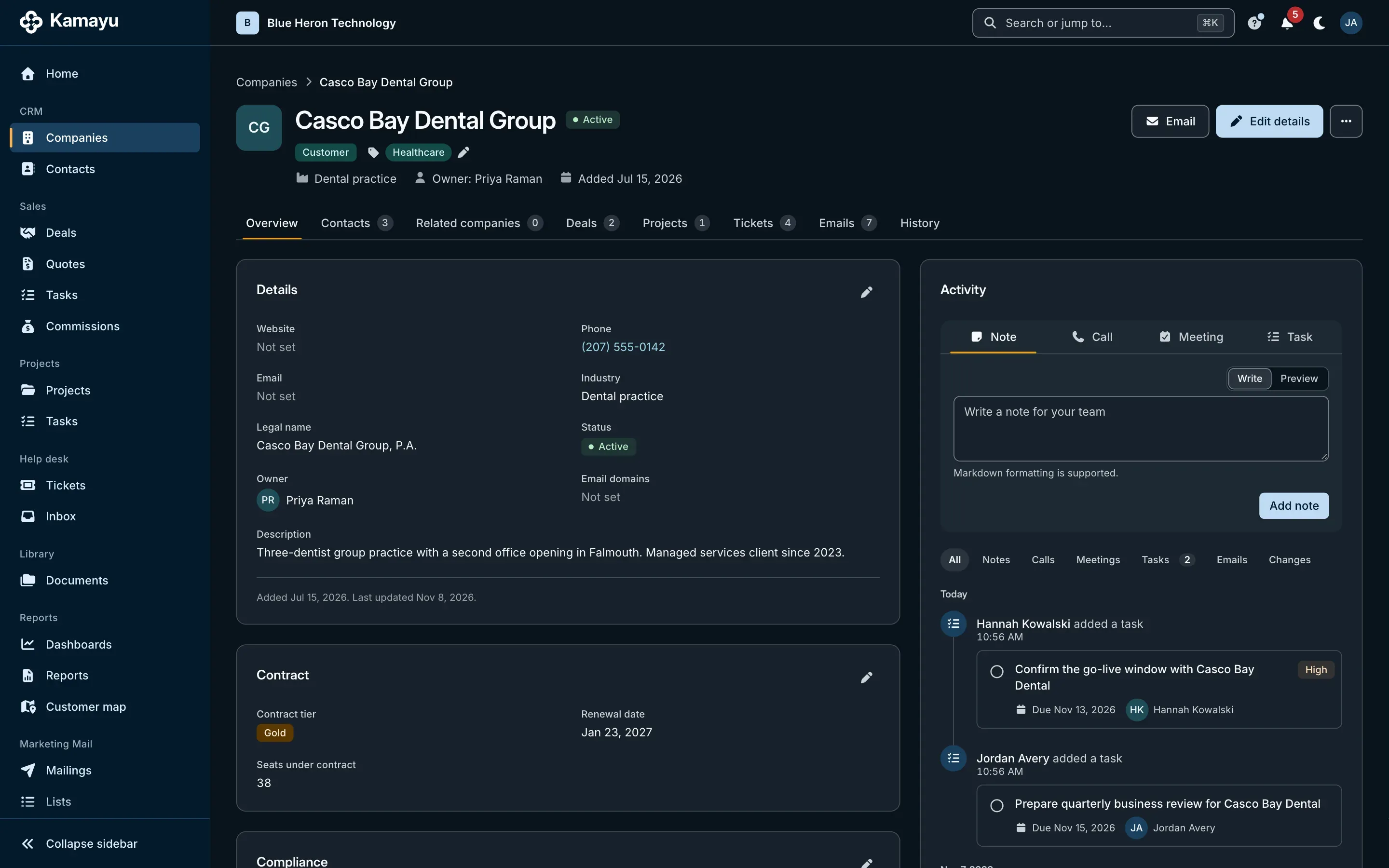
Conversations attach to the contacts on them, their companies and the open deals those people are on. Attach a conversation to another record by hand, or unlink it.
- Matched by email address and company domain
- Replies you send from your phone still reach the customer's record
- Templates in English and Spanish, filled from the contact, company, deal or quote
- Mail to your sales mailbox becomes a lead
Private stays private
Kamayu keeps only mail with people and companies it knows. Each person can exclude domains, admins can exclude them for everyone, and anyone with a copy can mark a conversation private, so only the people who received it can see it.
- It follows Inbox and Sent Items only, from the day you connect
- Pause or disconnect your mailbox any time
- Mail in a shared mailbox stays visible to the team that works it
Set up once, then one sign-in each
An owner registers Kamayu in your company's own Microsoft Entra directory, once, in about 30 minutes, so your company owns the connection and can switch it off at any time. After that, each person connects their mailbox by signing in.
- Shared mailboxes are added by an admin
- Works with Microsoft 365 today; Gmail is planned for later
Questions
Does Kamayu work with Outlook?
Yes. Kamayu connects to Microsoft 365 mailboxes. Email you send from Kamayu is in your Outlook Sent Items, and mail you send from Outlook, on your computer or your phone, reaches the customer's record when Kamayu knows the people on it.
Does it work with Gmail?
Not yet. Kamayu works with Microsoft 365 today, and Gmail is planned for later.
Will Kamayu read all of my email?
No. It follows your Inbox and Sent Items from the day you connect, never older mail or other folders, and it keeps only mail with contacts and companies already in Kamayu. You can exclude domains and mark any conversation private.
Can we send as sales@ or support@?
Yes. An admin adds the shared mailbox, and the people allowed to use it send as that address. The message lands in the shared mailbox's Sent Items and the customer's answer comes back there.
More of Kamayu
Spend less time keeping records, and more time on customers.
Try every module free for 15 days. Cancel any time before the first charge.